Filed for Notion - V1
July 6, 2026
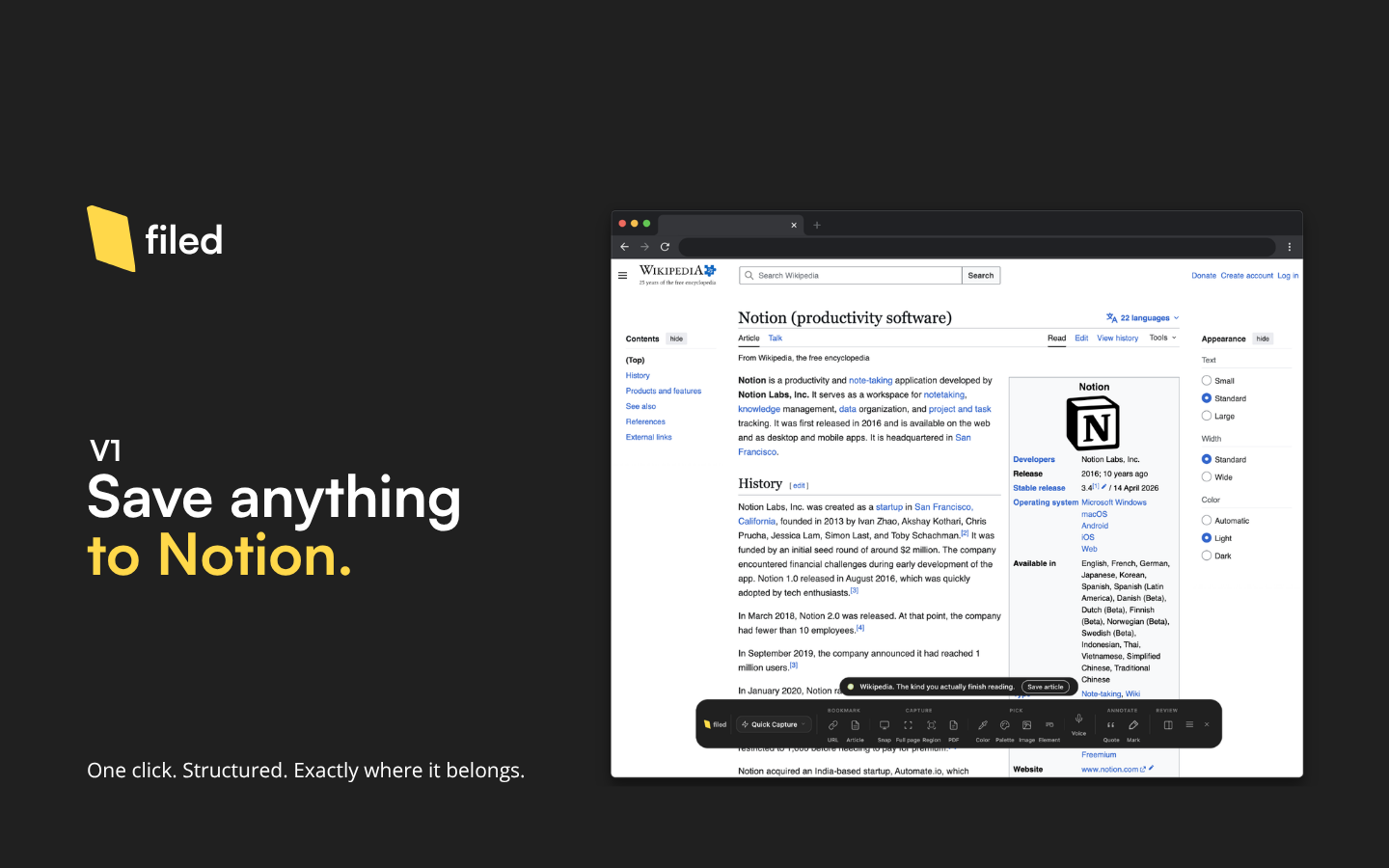
Filed saves web content to Notion from your browser. Pages land in structured databases with properties already filled in.
Capture types
URL: page title, URL, favicon as the Notion page icon, and OG image as the cover. One click, no confirmation.
Article: full article body converted to Notion blocks. Headings, paragraphs, lists, code, tables, embedded images, and YouTube video embeds all come through.
Screenshot: three modes. Snap captures the visible area. Full page captures the entire scrollable document. Region lets you draw a rectangle around exactly what you want. Screenshots land in Notion as both a file property and an image block in the page body.
PDF: generates a full searchable PDF using Chrome's print engine, saved as a downloadable attachment in Notion.
Color: the EyeDropper samples any pixel on the page. Saves hex, RGB, HSL, and color family to Notion. From the side panel, you can pick multiple colors and save them as a full palette.
Quote: select any text and save it via right-click or the selection toolbar. Saves the text and its source URL.
YouTube
On any YouTube video page, Filed saves the title, channel, description, thumbnail, a playable embed block, and the full transcript as a collapsible section. Transcript availability depends on whether YouTube has captions for the video.
Platform saves
Filed recognizes specific websites and shows a contextual save button automatically. The button label changes to match the platform: "Save post" on Substack, and so on.
Workflows
A workflow defines where a save goes and how Notion properties are filled. The Captures database is created automatically during onboarding. Custom workflows let you point Filed at any Notion database and map its properties however you want.
The Visual Workflow Builder is point-and-click: click on any element on a live page, then map it to a Notion property. No selectors to write manually.
Domain rules automatically select a workflow when you visit a particular site. Set one for LinkedIn and Filed pre-selects your People workflow every time.
Selection toolbar
Selecting text on any page shows a compact toolbar. Quote is free for all users. Highlight colors, multi-passage annotations, and inline comments are Pro.
Screenshot annotation (Pro)
Any screenshot can be opened in a full annotation editor: arrows, text labels, step markers, blur, and crop.
Audio memos (Pro)
Record a voice memo directly from the side panel. The audio uploads to Notion as a file, and the transcript generated during recording lands as a collapsible callout alongside it.
History and undo
Every save appears in History. Undo is available at any time, not just immediately after saving.
Multiple workspaces
Connect multiple Notion workspaces. A switcher appears in the toolbar when more than one is connected.
14-day Pro trial.
No credit card required.